Connected Automatic Watering: Save Water in the Garden
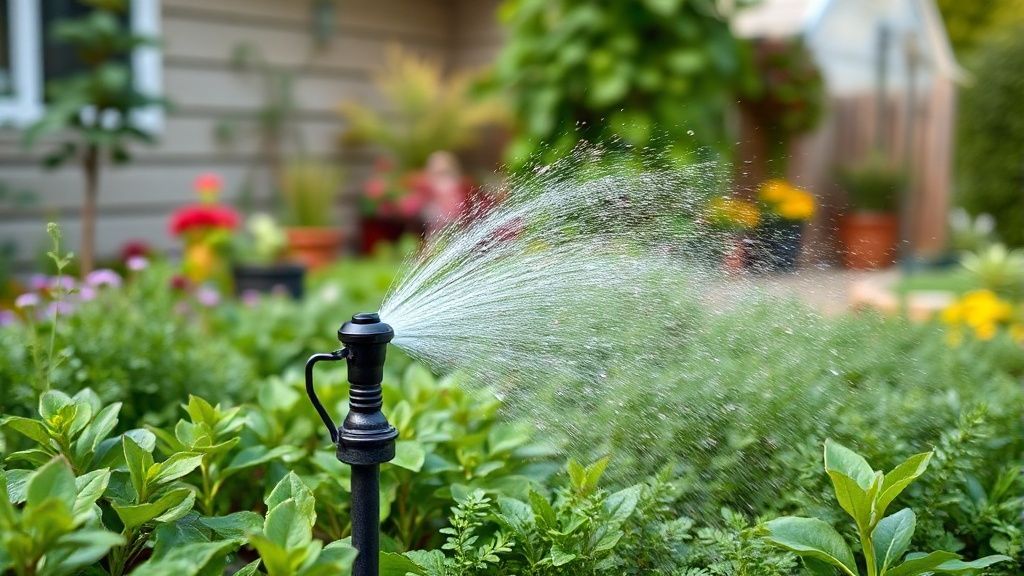
Raining tomorrow? Connected watering knows and cancels watering. No more waste.
Recommended Materials
- Connected faucet timer (Gardena, Rain Bird)
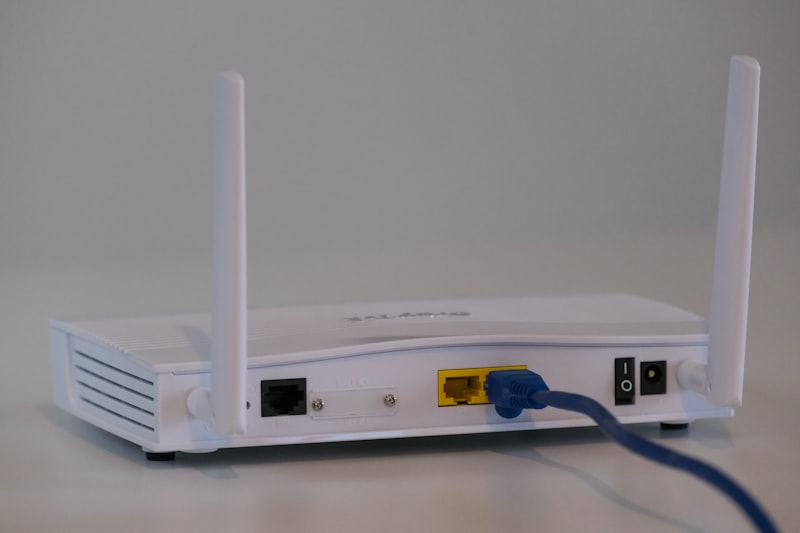
- WiFi Gateway (often included)
Steps to follow
Step 1
Why connect watering? To never forget to water (dead plants) or turn off watering (huge water bill). But above all for intelligent weather adaptation (Smart Watering).
Step 2
The hardware: A connected 'faucet nose' timer (screws directly onto the outdoor faucet). It runs on batteries. It often communicates with a small WiFi bridge plugged inside the house (because WiFi passes poorly through exterior walls). Check that your outdoor faucet has a standard thread (20/27 or 26/34) to screw on the timer.
Step 3
Installation: Screw the unit onto the faucet. Connect your garden hose or drip system underneath. Turn the faucet on full (water is blocked by the unit's solenoid valve). Use Teflon tape on the thread if you notice a small leak at the connection.
Step 4
Weather intelligence: This is the magic function. The app knows the weather in your city. If rain is forecast in the next 24h, or if it rained a lot yesterday, automatic watering is cancelled or reduced. If there is a heatwave, the duration is increased. It's a massive water saving.
Step 5
Good settings: Always water EARLY in the morning (around 5 or 6 am) or LATE in the evening (after 10 pm) to avoid immediate evaporation in the sun. Prefer a long watering every 3 days (to force roots to go down to seek water) rather than a small watering every day (surface roots, fragile).
Frequently Asked Questions
And winter ?
DANGER! As soon as the first frosts arrive, you MUST unscrew the timer, empty it, and bring it inside to warmth. If it freezes with water inside, the solenoid valve will explode (brittle plastic).
Precautions
- Bring the timer inside in winter (frost breaks the solenoid valve).
- Change batteries at the start of the season.