Control your lighting by voice (Google, Alexa, Siri)
'Hey Google, turn on the living room'. Gadget or real comfort? Once you get the taste of not looking for the switch in the dark anymore...
Recommended Materials
- Connected bulbs (Philips Hue, Wiz...)
- Or connected switches
- Smart speaker
Steps to follow
Step 1
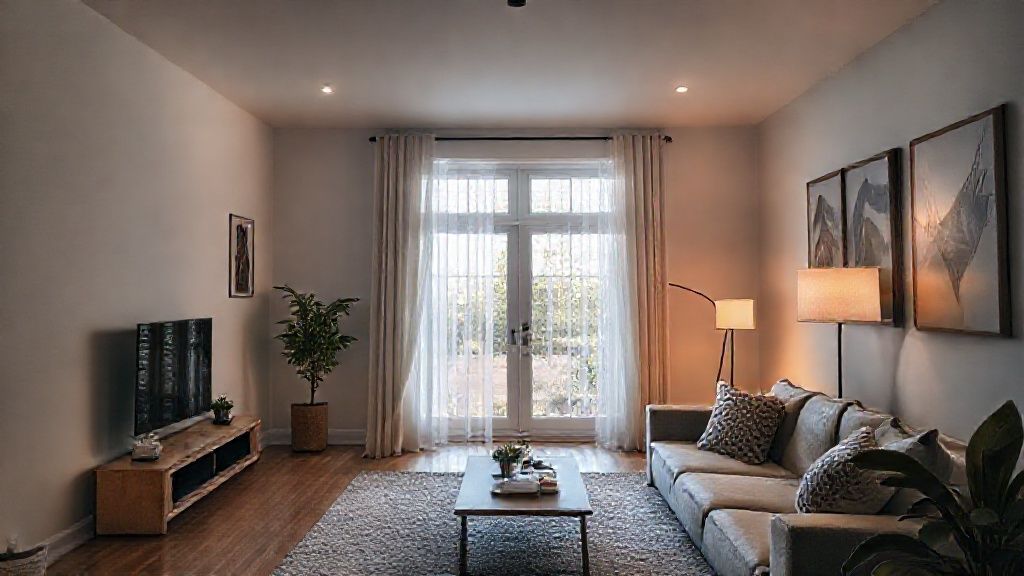
Comfort: Come home with your arms full of shopping and say 'Alexa, turn on the kitchen' so you don't fumble around in the dark. Or saying 'Hey Google, turn everything off' from bed because you forgot the living room light. It's not laziness, it's comfort.
Step 2
Solution 1 - Connected Light Bulbs (e.g. Philips Hue, Wiz): This is the easiest to install. You unscrew your old bulb, you screw in the new one. You connect it to WiFi/Zigbee. Advantage: You can change the color and intensity. Major disadvantage: If someone turns off the classic wall switch, the bulb no longer has power and no longer responds to voice. You need to lock the switch or put a cover on it.
Step 3
Solution 2 - Connected Switches: You replace your wall switch with a connected model. Advantage: This is the real professional solution. You can turn it on by voice, with the app, OR with the physical button, it always works. Disadvantage: You have to touch the electricity (turn off the power!) and check if you have the Neutral wire (blue wire) behind the switch (often absent in old houses).
Step 4
Solution 3 - The Micro-Module: It is a small box that is hidden BEHIND the existing switch. We keep our pretty switches to match the decor, but they become smart.
Step 5
Voice control: You need a smart speaker (Google Nest, Amazon Echo, Apple HomePod) or just your smartphone. Link your accounts (e.g. Philips Hue account with Google Home account). Give logical names to the pieces.
Frequently Asked Questions
What if the internet cuts out ?
With connected switches or micro-modules, the physical button ALWAYS works, even without internet. This is basic security.
Precautions
- Pay attention to the compatibility (Neutral or Without Neutral) for the switches.
- Respect the max power.