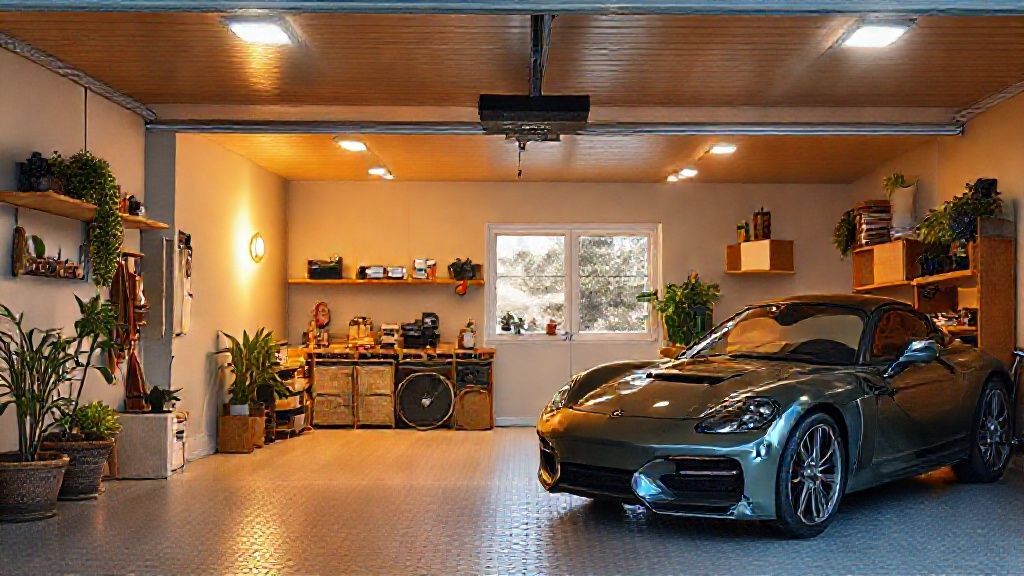
Automate your garage door (remote opening)
Open for the delivery person, or check if you closed correctly when leaving, all from your phone.
Recommended Materials
- WiFi/Zigbee relay module (dry contact)
- Opening sensor (often included)
Steps to follow
Step 1
The need: You leave the house and you have a doubt: 'Have I closed the garage correctly?'. With a home automation module, you can check the status of the door on your phone and close it remotely if necessary. You can also open the delivery person without being there.
Step 2
The technical principle: Your current garage motor surely has an input for a wall push button (two terminals where, if connected, the door opens). The home automation module (WiFi or Zigbee) will act as this virtual push button.
Step 3
Equipment: Buy a 'Connected garage door module' (eg: Meross, Tuya). It costs around 30-40€. The kit contains the relay module and an opening sensor (magnet).
Step 4
Installation: 1. Turn off the power. 2. Connect the two control wires from the module to the 'Push Button' or 'Dry Contact' terminals on your engine. 3. Power the module (often via a classic 220V socket). 4. Install the opening sensor on the door (essential to know if it is open or closed).
Step 5
Usage: In the application, you have an 'Open/Close' button. You can also say 'Ok Google, open the garage' (a voice PIN is often requested for security).
Frequently Asked Questions
Security ?
It is very secure. But be careful: never close a garage door remotely without seeing what is underneath (child, dog, car), unless your door is equipped with photoelectric safety cells which block closing in the event of an obstacle.
Precautions
- Never operate the door from a distance without seeing what is underneath (unless there are security cells).
- Turn off the power before installation.