Automate wired roller shutters with WiFi modules
Are your shutters electric but you have to press the button? Make them smart for €15 per pane.
Recommended Materials
- Rolling shutter modules (Shelly 2.5, Sonoff Dual)
- Screwdriver
- Wagos (connection terminals)
Steps to follow
Step 1
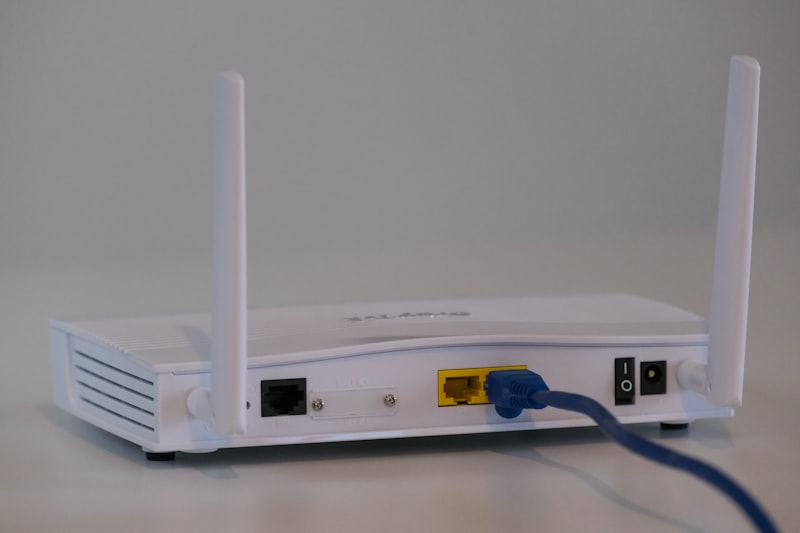
The concept (Retrofit): Do you have electric roller shutters with a switch on the wall? You can make them 'smart' without changing the motor or switch. Simply add a small WiFi micromodule (type Shelly 2.5, Sonoff Dual R3) behind the existing switch. Cost: around €15-20 per shutter.
Step 2
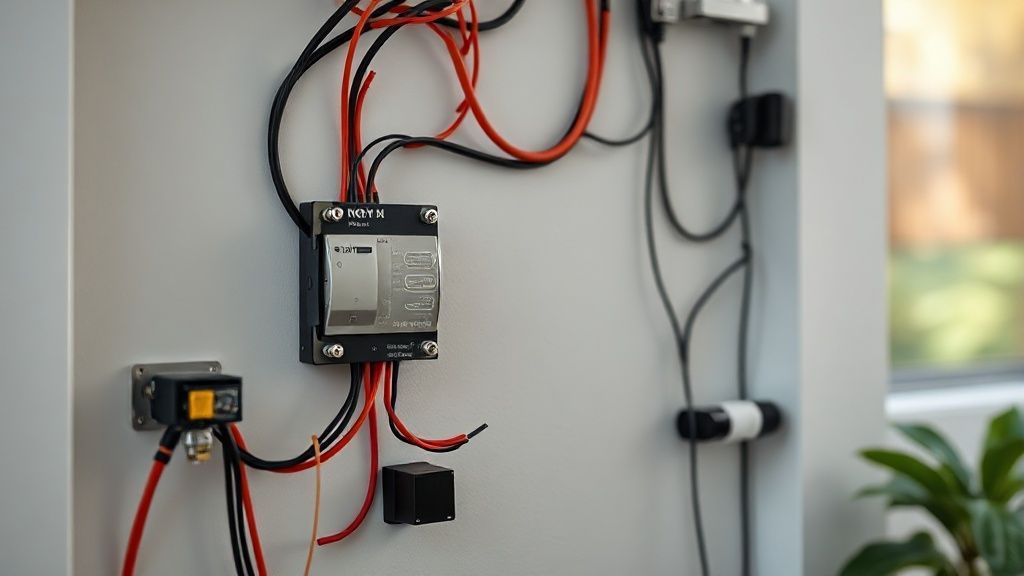
Prerequisites (Neutral): For the module to work, it needs to be permanently powered (Phase + Neutral). Open your switch. If you see a blue wire (Neutral), you're done. If you only have the Phase (Red) and motor wires (Black/Brown), you will need to pull a Neutral from the nearest (more complex) junction box.
Step 3
Connection (Safety): 1. TURN OFF THE POWER. 2. Unplug the switch. 3. Connect power (Phase/Neutral) to the module. 4. Connect the motor wires (Up/Down) to the module outputs (O1/O2). 5. Connect the wall switch to the module inputs (S1/S2). Everything must fit into the recessed box (it must be deep enough, 50mm recommended).
Step 4
Configuration: Restore power. Connect to the module's WiFi with your phone. Integrate it into your home WiFi network via the dedicated app.
Step 5
Calibration: Start the calibration procedure in the app. The shutter will make a complete round trip to measure its electricity consumption and understand when it is 100% open or closed. This will then allow you to say 'Open the shutters to 30%'.
Step 6
The scenarios: Schedule automatic opening at sunrise and closing at sunset (the app knows the times depending on your city). It is absolute comfort and safety (presence simulation).
Frequently Asked Questions
If the WiFi crashes ?
The wall switch STILL works, like before. That's the beauty of the system.
Precautions
- Cut the power!
- Check the depth of the recessed box (40mm is just right, 50mm is better).