Install a connected socket to measure and control your devices
The basics of home automation. Turn any dumb device into a smart device.
Recommended Materials
- Connected socket (WiFi or Zigbee)
- Smartphone
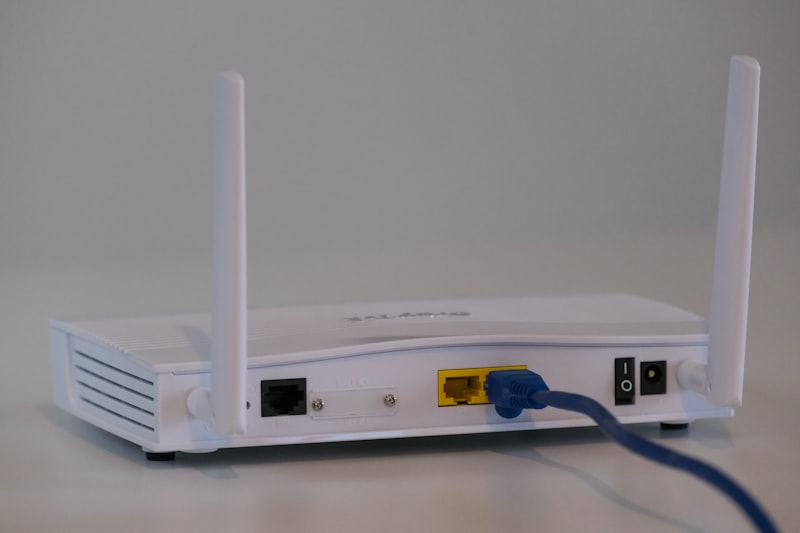
- Internet box
Steps to follow
Step 1
The concept: A connected socket is a small adapter that plugs between your wall socket and your electrical device. It connects to your WiFi and allows you to control the device from your smartphone, wherever you are.
Step 2
The choice of model: There are two main families. WiFi sockets (connect directly to your Box, ideal to start with 1 or 2 sockets). Zigbee sockets (require a small additional 'bridge' box, but create a more stable network and consume less, ideal if you want to equip the whole house). It is essential to choose a model with 'Power Monitoring'.
Step 3
Installation: Plug in the socket. Download the recommended app (often 'Smart Life', 'Tuya' or the brand's app). Create an account. Press the socket button for 5 seconds so that it flashes (pairing mode). Follow the on-screen instructions to enter your WiFi code.
Step 4
Use 1 - Hunting waste: Plug a device into it (eg: the old fridge in the garage, the computer, the TV). Let it run for 24 hours or a week. The app will tell you exactly how much he consumed and how much it costs you. This is great for identifying energy-intensive devices that need to be replaced.
Step 5
Use 2 - Intelligent programming: Schedule the automatic switching off of the TV and the Box at 1 a.m. Schedule the coffee maker to turn on at 7:00 a.m. Schedule the charging of your electric bike only during Off-Peak Hours.
Step 6
Use 3 - Security: Activate 'Away' or 'Random' mode when you go on vacation. The socket will turn a living room lamp on and off at irregular times to simulate a presence and deter burglars.
Frequently Asked Questions
What maximum power ?
Check the label. Most support 16A (3680 Watts), which is enough for everything (even a radiator or washing machine). Just avoid plugging a charged power strip into a connected outlet.
Precautions
- Do not plug a power strip into a connected socket (overload).
- Indoor use only (except waterproof models).