Monitor your electricity consumption in real time (Téléinfo)
The Linky meter speaks! Plug in a small module to listen to and see your consumption live.
Recommended Materials
- Teleinfo module (TIC) USB or WiFi
- Linky meter
- Home automation box (or dedicated app)
Steps to follow
Step 1
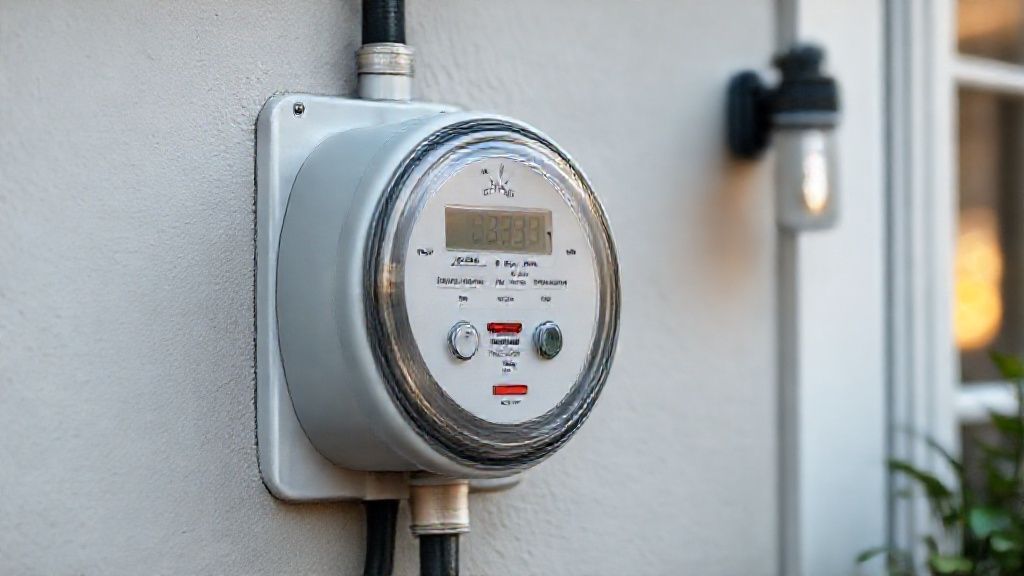
What is Téléinfo? : Your Linky meter is not just for Enedis. It has an information output for YOU. This is the 'TIC' (Tele-Information Customer) socket located under the green cover at the bottom of the meter (which is not sealed, you have the right to open it).
Step 2
Hardware: Buy a small ICT module (like Lixee ZLinky for Zigbee, or a USB module for Raspberry Pi, or a general public Ecojoko). This module clips or screws onto terminals I1 and I2. It is self-powered by the meter (no batteries!).
Step 3
Installation: 1. Open the green cover of the Linky. 2. Connect the two wires of the module to I1 and I2 (no sense, no danger, it's low voltage). 3. The module turns on.
Step 4
The data recovered: You see in real time (every second): the instantaneous power consumed (in Watts), the consumption indexes (Peak/Off-peak Hours), the color of the day (for Tempo/EJP subscriptions), and the maximum intensity reached.
Step 5
What is it for? : 1. Track the 'consumption heel' (the consumption of the house when everything is turned off at night). 2. See how much the oven or heater really consumes. 3. Receive an alert on your phone if you exceed the power of your subscription (to prevent it from breaking down).
Frequently Asked Questions
It doesn't work ?
By default, the TIC output is sometimes disabled or in 'History' mode (old format). If you have a recent module, you sometimes need to ask your electricity supplier (EDF, Total, etc.) to ask Enedis to switch your Linky to 'Standard' mode. It is a remote and free operation.
Precautions
- The green cover of the Linky is not sealed, you have the right to open it.
- Pay attention to the WiFi/Zigbee range (the meter is often far away/outside).