
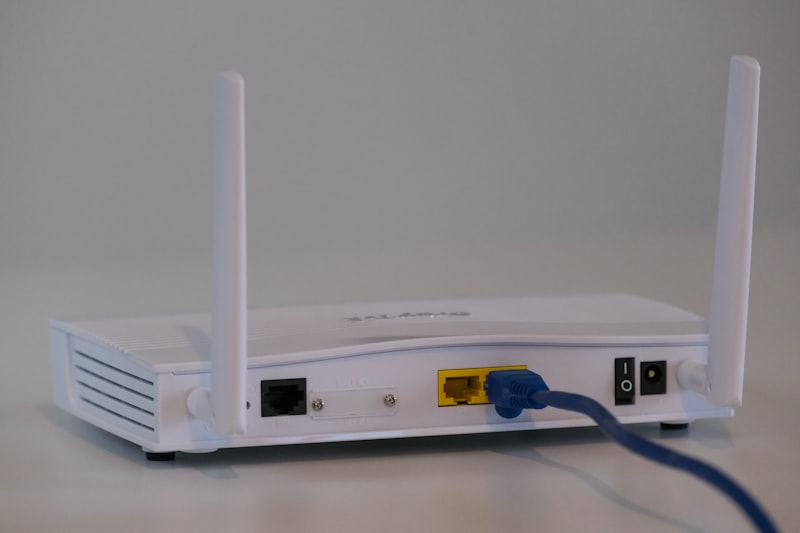
Optimize Your WiFi Network for a Smart Home
A stable connection is the heart of a smart home. Discover how to improve the range and speed of your WiFi for all your devices.
Recommended Materials
- Smartphone with speed test app
- WiFi repeater (optional)
- Ethernet RJ45 cable
- Internet box
Steps to follow
Step 1
Analyze current coverage with a 'speedtest' app in each room.
Step 2
Reposition the internet box: high up, in the center of the home, away from metal obstacles and microwaves.
Step 3
Change the WiFi channel via the box administration interface to avoid interference with neighbors.
Step 4
Install a WiFi repeater or Mesh system if dead zones persist.
Step 5
Update the firmware of the box and equipment to benefit from the latest performance improvements.
Frequently Asked Questions
What is the difference between 2.4GHz and 5GHz ?
2.4GHz reaches further but is slower, ideal for simple connected objects. 5GHz is faster but reaches less far, perfect for video streaming.
Can an old router slow down my connection ?
Yes, older WiFi standards (like WiFi 4) are much slower than current WiFi 6. Changing hardware can radically change the game.
Precautions
- Secure access to the box interface with a strong password.
- Do not place the box in a closed cabinet that blocks waves.