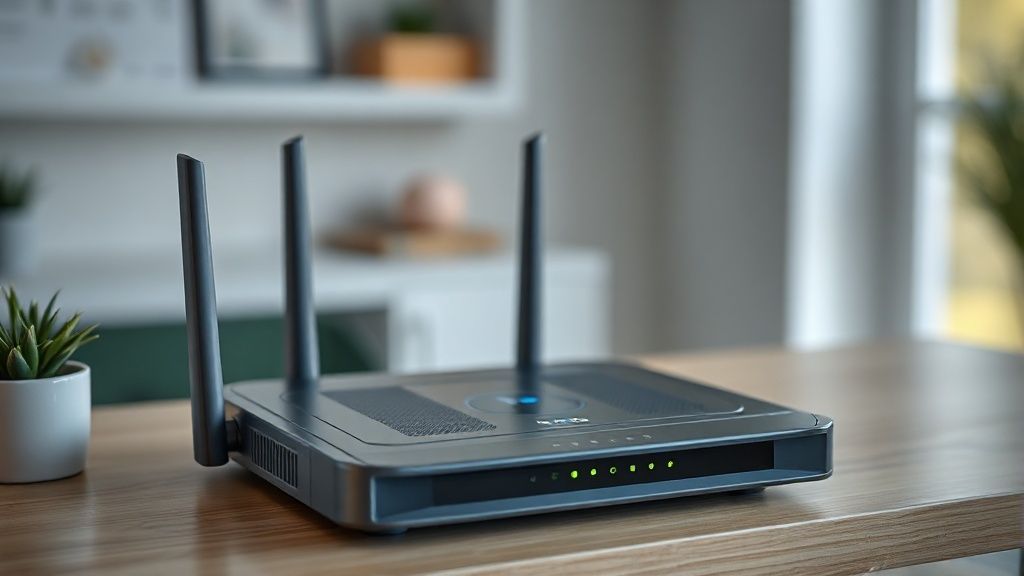
Secure your home automation network against hacking
Cameras, locks, light bulbs... Each connected object is a potential entry point. Close them.
Recommended Materials
- WiFi router
- Password manager
Steps to follow
Step 1
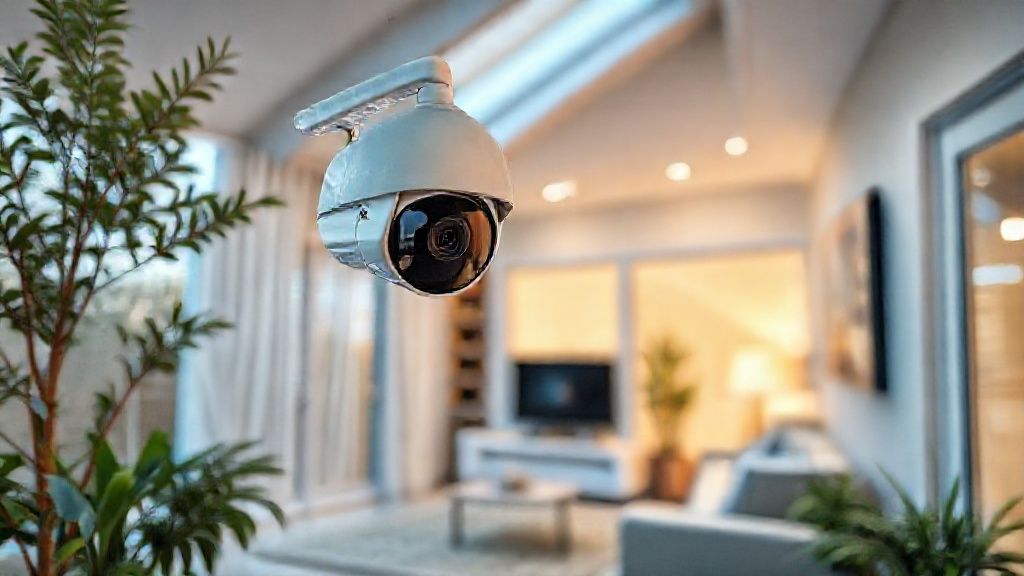
The observation: A connected light bulb or a low-end camera is a mini-computer. If it is poorly secured, a hacker can use it to enter your network and steal your banking data from your PC, or worse, spy on you.
Step 2
Rule #1: Passwords. NEVER leave the default passwords ('admin', '1234', 'password'). Change them from the first installation to complex and unique passwords for each device.
Step 3
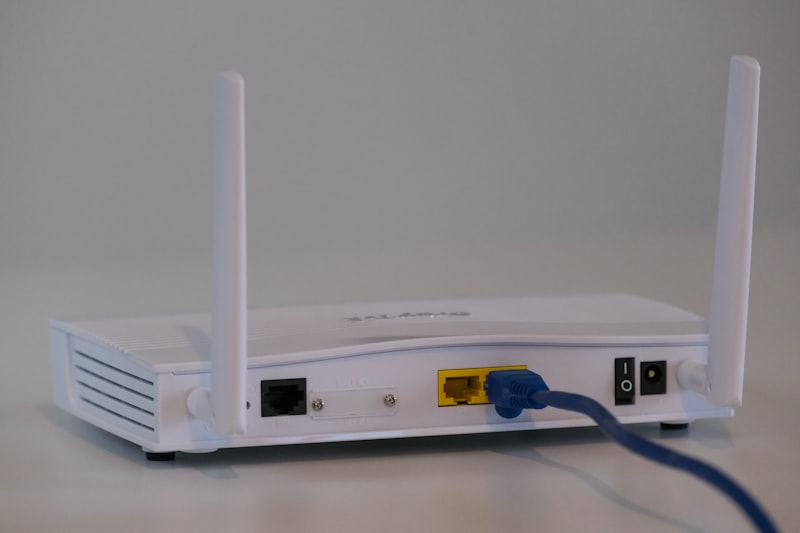
Rule #2: The Guest Network. It is the best protection. On your Internet Box, activate 'Guest' WiFi. Connect ALL your home automation objects (bulbs, sockets, robot vacuum cleaner, etc.) to this guest network. So, they are isolated from your main network where your PCs, phones and NAS are located. If the vacuum cleaner is hacked, it will not be able to access your computer.
Step 4
Rule #3: Updates. Manufacturers release security patches (firmware). Do them as soon as they are offered. An item not updated is a colander.
Step 5
Rule #4: Remote access. Disable UPnP on your box if you don't know what it is. Do not open ports manually ('Port Forwarding') unless you are an expert. Use official clouds from manufacturers or a VPN to access your home from outside.
Frequently Asked Questions
Unknown Chinese brands ?
Distrust. Prefer major brands (Philips, Somfy, Legrand, Google, Amazon) or local protocols (Zigbee, Z-Wave) which do not connect directly to the Internet but go through your secure home automation box.
Precautions
- Do not buy connected objects without a known brand (non-existent security).
- Enable two-factor authentication (2FA) on apps.