
Starting with Home Automation: The Ideal Starter Kit
Want to make your home smart but don't know where to start? Here are the essential devices, easy to install and compatible with each other to take your first steps.
Recommended Materials
- Voice Assistant (Alexa, Google, HomePod)
- Wifi/Zigbee Smart Plugs
- Smart Bulbs
- Smartphone
Steps to follow
Step 1
The heart of your connected home is often the voice assistant (smart speaker). It is the conductor. Choose your ecosystem from the start to avoid incompatibilities: Amazon Alexa (most compatible and responsive), Google Home (smartest for general questions) or Apple HomeKit (most secure and integrated with iPhone). It will centralize voice commands.
Step 2
Start with lighting: it's the simplest 'wow' effect and most useful daily. Buy a starter pack of smart bulbs (like Philips Hue, Wiz or compatible brands). Simply screw them in place of your old bulbs. You can vary intensity (dimming) and color by voice or smartphone, simulate presence or wake up gently with light.
Step 3
Smart plugs are the Swiss Army knife of home automation. They allow making any 'dumb' device 'smart' (floor lamp, fan, space heater, mechanical switch coffee maker). Plug the device into it and you can control it remotely, check if it is off when you left, and schedule operating times.
Step 4
Create your first 'routines' or 'scenarios'. This is where the magic happens. For example, create a 'Good Night' routine: with a single voice command 'Alexa, good night', the assistant turns off all lights, cuts power to living room plugs (TV, console) and lowers the heating.
Step 5
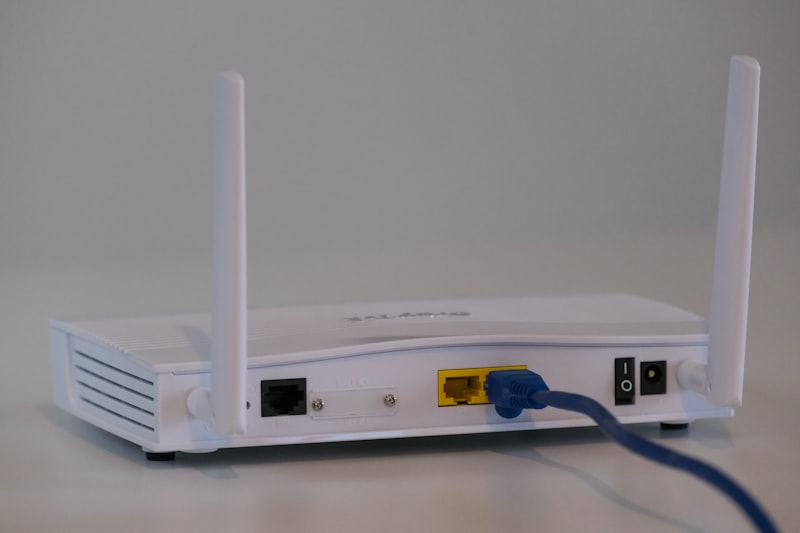
Think about the communication protocol. Wifi is simple (no bridge needed) but can saturate your internet box if you have 50 devices. Zigbee (used by Hue, Ikea, Aqara) requires a small box (bridge/hub) plugged into the router, but it creates a very stable mesh network, responsive and consumes very little energy.
Frequently Asked Questions
Do I need to do work or pull cables ?
No, today's consumer home automation is wireless and non-invasive. It installs and uninstalls easily, which is perfect for tenants who can leave with their equipment.
What happens if the internet cuts out ?
Voice commands (which go through the cloud) and remote control will no longer work. However, your physical switches, local remotes and devices will continue to function manually as before. You will never be stuck in the dark.
Precautions
- Secure your Wifi network with a strong password.
- Beware of very low-priced 'no-name' devices whose IT security is dubious.